Sign in
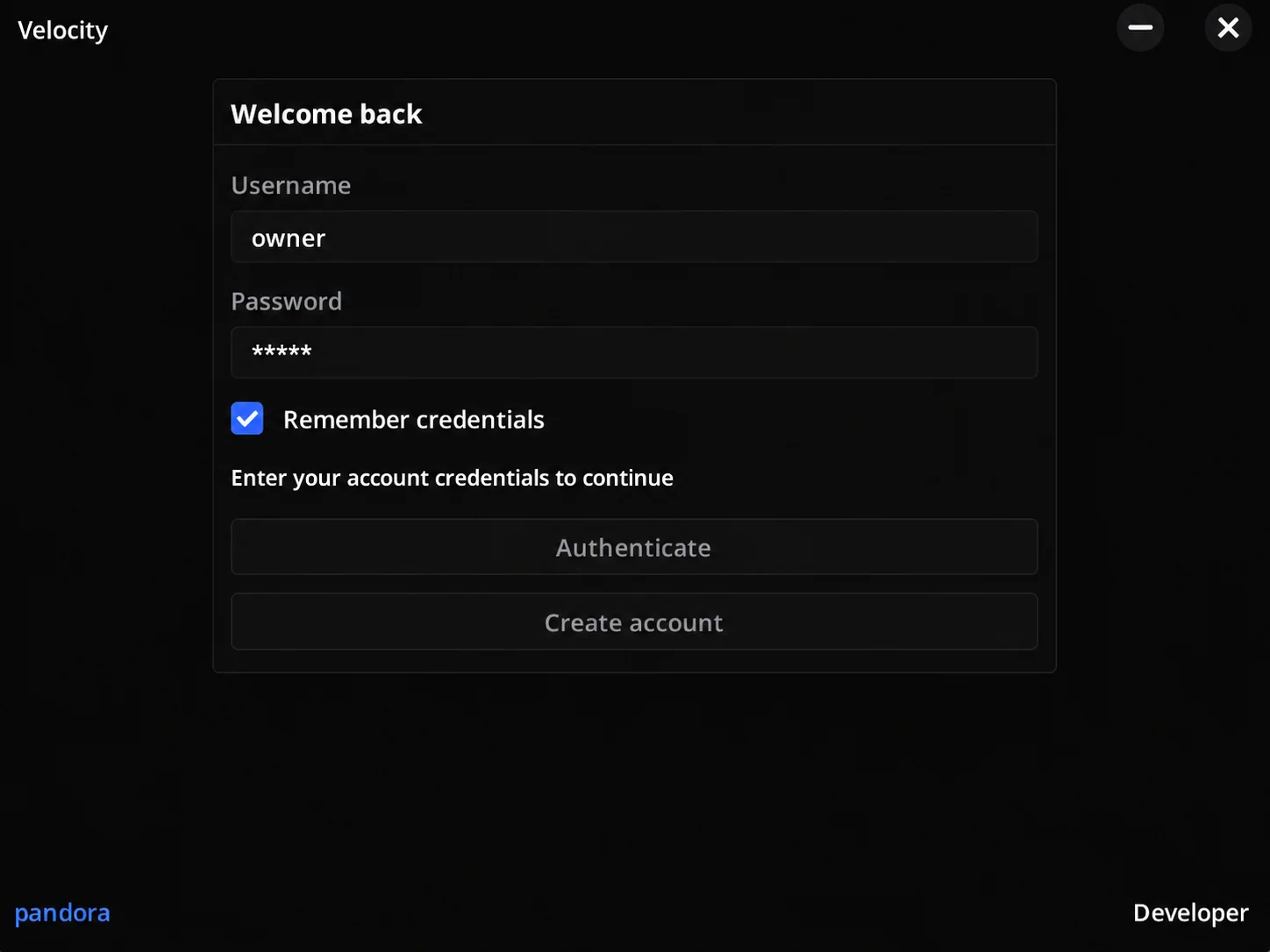
Open the loader and sign in to your Velocity account.
GHOST CLIENT
A different view.
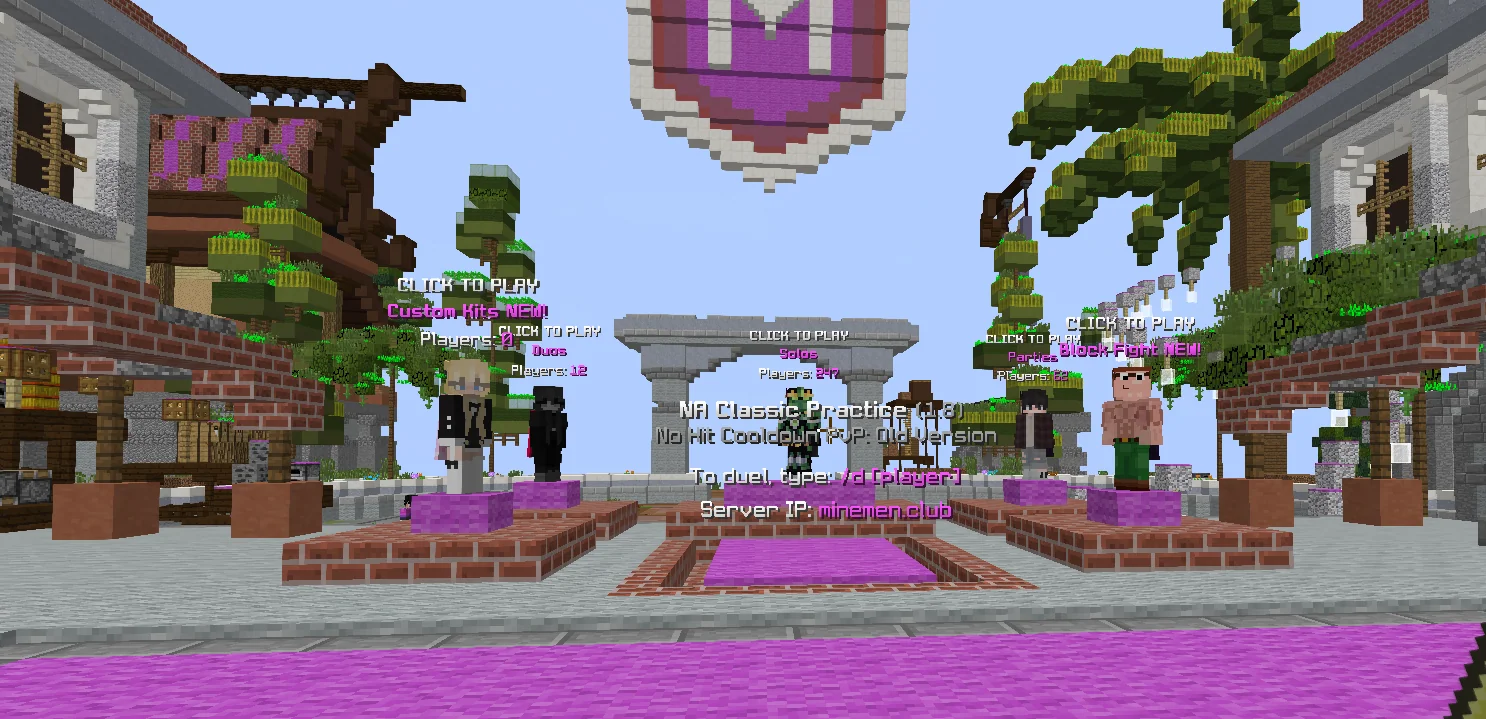
INJECTION
Inject Velocity, open the menu and enjoy.
THE CLIENT
GETTING STARTED
Open the loader and sign in to your Velocity account.
Launch Minecraft with a supported version.
Inject Velocity, open the menu and choose your modules.
FAQ

Sign in to your account, download the official loader when your license is active, then launch the supported Lunar version. Open the loader, sign in, inject and open the menu. Use only the official download supplied by support.
Check that the download finished and that you are using the latest official build. Restart the launcher and loader. If Windows reports an error, send its exact wording to support. Do not disable security software or run unknown downloads.
Confirm the supported game version is running and you are signed into the loader. Restart both apps and retry. If the issue persists, contact support with your version and the error message. Never share your password or session token.
Allow popups for this site and try again. You can also sign in with your email and password. If the problem continues, contact support.
Velocity supports Lunar Client 1.8.9 and 1.7.10.
50 modules across Combat, Movement, Visuals, Misc and Latency.
The proposed 30-day plan starts when your license is first activated. It lasts 30 consecutive days and does not renew automatically. Pricing and checkout are not available in this preview.
The proposed license is limited to one computer at a time. If you replace hardware or move to a new PC, request an HWID reset through Discord. Reset eligibility and timing will be confirmed before purchases open.
The proposed terms allow personal use only. Account sharing, license resale and redistributing the loader are not permitted.
Server rules still apply. Use Velocity only where you have permission. There is no guarantee against server penalties or bans.
Account sign-in uses your email or Google identity. Account and license information is used to provide access and support. Pricing, refund rules and HWID conditions will be published before purchases open. No payments are collected on this website.
SUPPORT
Installation, account access or a hardware change.
Talk to us on Discord.